
| SETI,
or the Search for Extraterrestrial Intelligence, is a scientific effort
aiming to determine if there is intelligent life out in the universe.
There are many methods that SETI scientific teams use to search for extraterrestrial
intelligence. Many of these search billions of radio frequencies that
flood the universe, looking for another civilization that might be transmitting
a radio signal. Other SETI teams search by looking for signals in pulses
of light emanating from the stars.
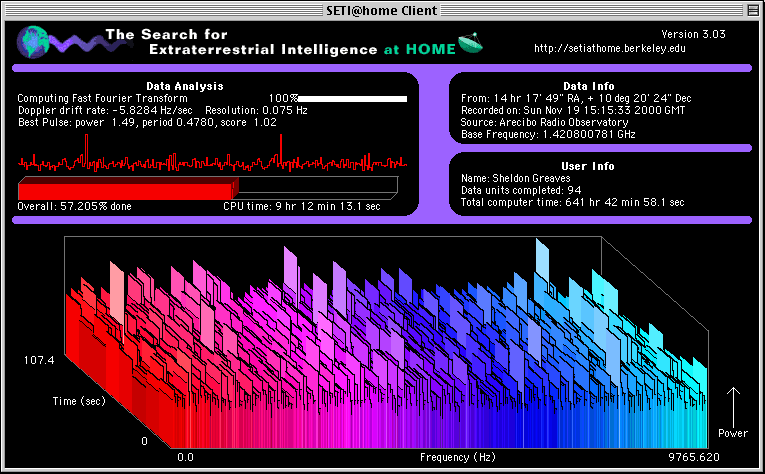
SETI@home is one of the SETI projects that searches for extraterrestrial life. It is based at the University of California, Berkeley. You can participate by running a free program that downloads and analyzes radio telescope data. SETI@home allows anyone with a computer and an Internet connection to take part in the search. By using the computer while the owner is away, the SETI@home screensaver is able to search for extraterrestrial signals. |
|
Getting Started
|
|
| Contacting
SETI@home
For more information, including news, updates, and links to download the SETI@home screensaver, go to setiathome.ssl.berkeley.edu .
|
Copyright ©2000, 2001 SETI@home